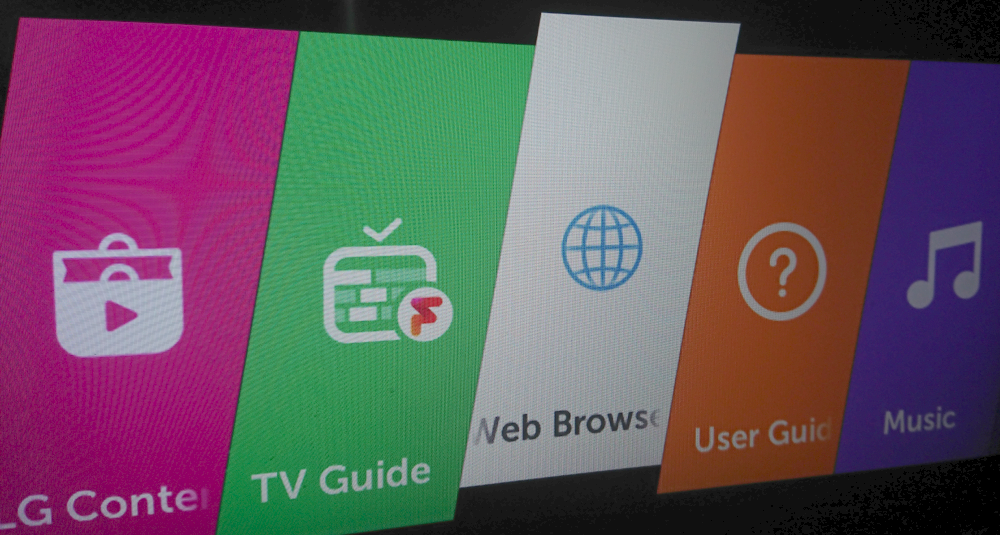
LG TV move or delete apps and shortcuts on home screen

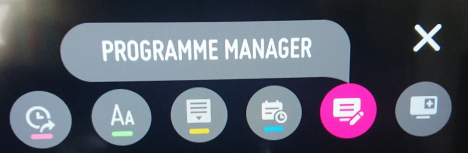
This post describes how you can move or delete apps and shortcuts on the home screen of an LG TV. Resolution On my LG TV (webOS UK6950PLB), the steps I took to do this were: 1. Press the Home button on the remote control to show the home screen. 2. Press and hold the OK button (the scroll wheel) on the remote control to enter Edit Mode: 3. Use the left and right arrows on the remote control to change the location of the app or shortcut, then press OK to place it. 4. To delete an app or shortcut, ensure you are not moving an app by pressing the down arrow or OK (this reveals the cross icon), then press the up arrow, then OK. Related Posts - LG TV delete/remove/hide channels from guide - LG TV Clear All Browsing History Data - LG TV turn off Quick Start in settings