Posts

Showing posts with the label Windows Server 2025

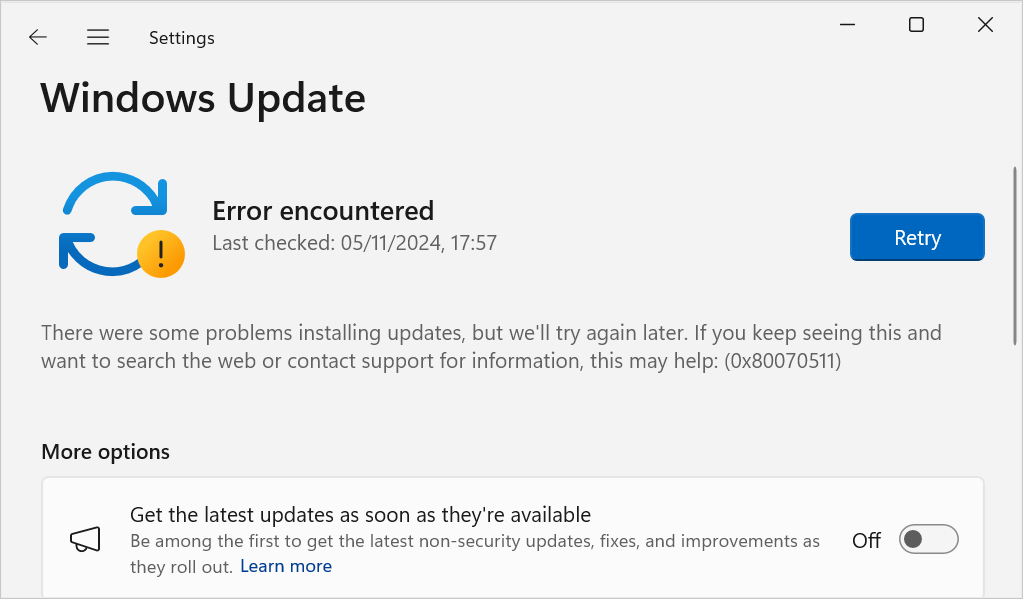
Permantently stop Windows Update on Windows Server 2025
Image
In this post, I describe how to permanently stop Windows Update from running on Windows Server 2025. On a test server, you may not want Windows Update to run because it consumes CPU resource. I recently discovered that disabling the Windows Update service does not stop Windows updates as the service can re-enable itself e.g. the service status switches from Disabled to Manual when you open Windows Update settings. Resolution To permanently stop Windows Update service: 1. Create a new user account e.g. windowsupdate 2. Change the Windows Update service to Log On as this account The service will now now fail to start and Windows update will be unable to run.

A driver cannot load on this device - Windows Server 2025

Image
In this post, I describe how I resolved the warning: "A driver cannot load on this device" This warning was raised by the Program Compatibility Assistant on Windows Server 2025 when I attempted to run the program Process Explorer. Cause This warning is caused by device protection in Windows Security which helps to prevent drivers from being used to run malware. Resolution Because this warning occurred on a virtual machine used only for testing, I was happy to resolve this issue by disabling the device protection security. To do this on Windows Server 2025: 1. Open Windows Security : 2. Go to Device Security : 3. Turn off Microsoft Vulnerable Driver Blocklist : 4. Restart the computer for the settings to take effect. I was then able to run Process Explorer without getting the warning.